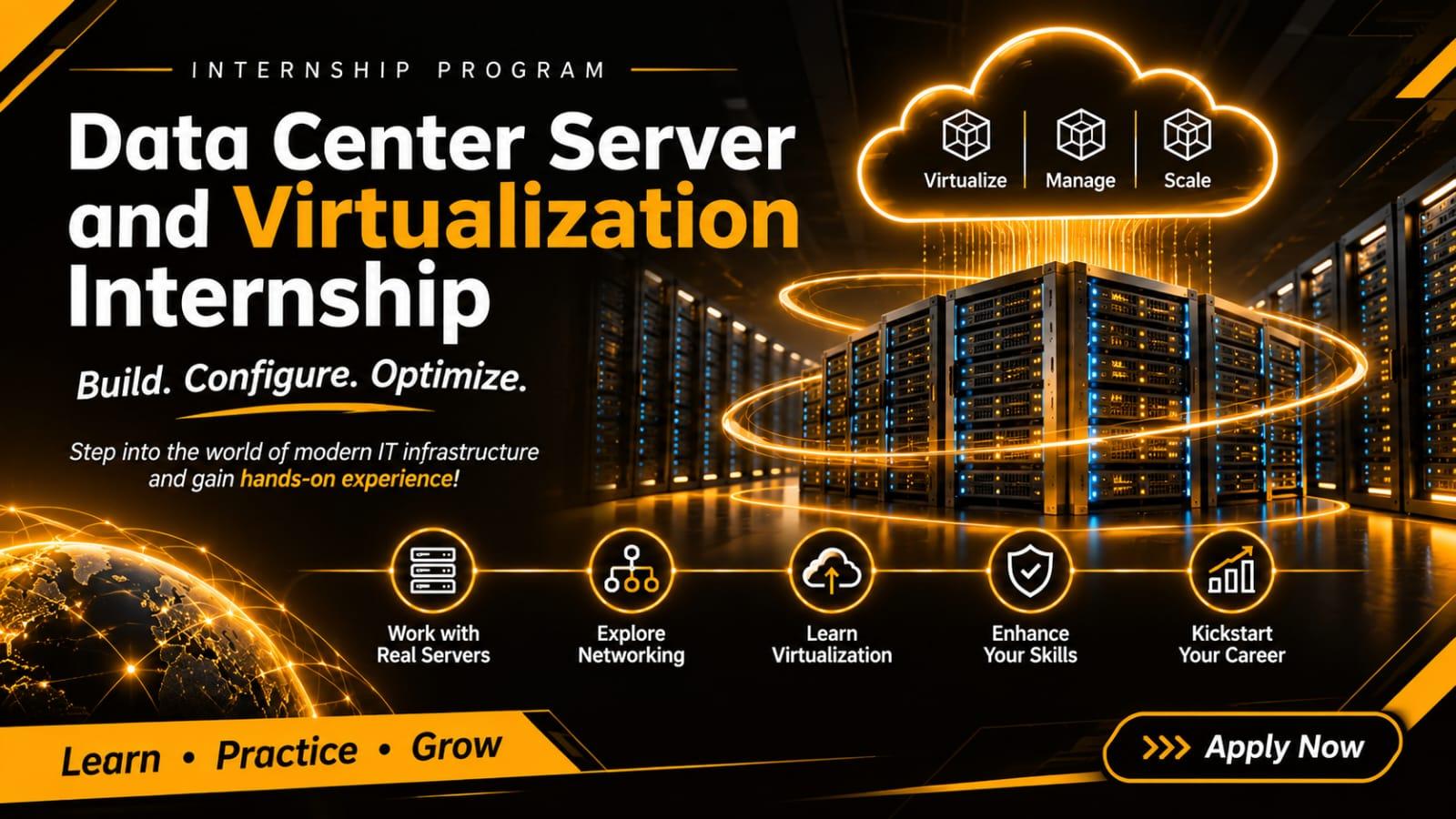
The compute side of the data center: enterprise server hardware, RAID and SAN storage, out-of-band management, and VMware vSphere, on a CCNA Advanced networking base.
The Data Center Server and Virtualization Internship is a mentored hybrid placement with the Tungabadra Networks engineering team. Structured sessions alongside lab access throughout the programme. Work is reviewed by a named engineer, and a completion certificate is issued at the end.
Server hardware, storage and VMware, from the rack up
The Data Center Server and Virtualization Internship covers what runs inside the rack rather than the fabric between racks: the servers themselves, the storage behind them, and the hypervisor layer on top.
It opens with CCNA Advanced Training, because a server engineer who cannot read a routing table or trace a VLAN cannot debug half of what goes wrong. From there it moves through data center fundamentals, enterprise server hardware, RAID and shared storage, out-of-band management, and VMware vSphere, then Linux, AWS cloud fundamentals and the monitoring stack the estate is run from.
The hardware is treated concretely: Dell PowerEdge, HPE ProLiant and Lenovo ThinkSystem, Intel Xeon and AMD EPYC, DIMM population and memory channels, NVMe and SAS, iDRAC and iLO. The storage phase is hands-on with array builds, simulated disk failure and rebuilds, and iSCSI.
Inside the programme
Eligibility
Open to freshers and to engineers moving into data center work
No professional data center experience required
Graduates from any discipline, including non-computing degrees
Skills required
You should already be comfortable with the following before you start:
No prior networking knowledge assumed
Basic computer literacy
Comfortable working methodically through hardware and software layers
Technologies you will use
Dell PowerEdge, HPE ProLiant and Lenovo ThinkSystem
Intel Xeon and AMD EPYC
iDRAC, iLO, XClarity, IPMI and Redfish
Hardware RAID, SAS, SATA and NVMe
Fibre Channel, iSCSI, NFS and SMB
VMware ESXi and vCenter Server
Cisco routers and switches
Linux (Red Hat and Debian families)
AWS VPC, EC2 and IAM
SNMP, Syslog, Zabbix, Prometheus and Grafana
Courses included
CCNA Advanced (routing and switching)
Data Center Fundamentals and Physical Infrastructure
Cisco device access and IOS / IOS XE administration
IP addressing, core services and routing fundamentals
OSPF, EIGRP and BGP essentials
Layer 3 switching and first-hop redundancy
Network security, monitoring and observability
Phase 2: Data Center Fundamentals and Physical Infrastructure
Data center architecture and classifications
Enterprise, hyperscale, colocation and edge data centers
Tier I, II, III and IV concepts
Server racks: 1U, 2U and 4U
Rack installation and cable management
Power distribution units, UPS and generators
Cooling, hot aisle and cold aisle
Redundancy and physical security
Phase 3: Complete Server Hardware Engineering
Dell PowerEdge, HPE ProLiant and Lenovo ThinkSystem
Server motherboard architecture
CPU sockets: Intel Xeon and AMD EPYC
CPU cores, threads, cache and NUMA
RAM slots, DIMM population and memory channels
DDR4, DDR5, ECC, RDIMM and LRDIMM
HDD, SSD, SAS, SATA and NVMe
PCIe slots, expansion cards and NICs
GPU cards and Fibre Channel HBA
RAID controllers and storage backplanes
Cooling fans, heatsinks and redundant PSUs
BIOS, UEFI, TPM and Secure Boot
iDRAC, iLO and XClarity
Phase 4: RAID and Enterprise Storage
RAID fundamentals and architecture
RAID 0, 1, 5, 6 and 10
RAID 50 and RAID 60
Hot spare and disk rebuild
Hardware RAID vs software RAID
RAID controller cache policies
DAS, NAS and SAN
Fibre Channel and iSCSI
NFS and SMB
LUNs, WWN and SAN zoning
Multipathing and MPIO
Thin and thick provisioning
Storage snapshots and replication
IOPS, latency and throughput
Labs: build arrays, simulate disk failure, rebuild, configure and mount iSCSI storage
Phase 5: Server Management and Firmware
iDRAC configuration
HPE iLO configuration
IPMI and Redfish
Remote KVM and virtual console
BIOS configuration
Firmware and driver upgrades
Server health and event logs
PXE boot and remote OS installation
Phase 6: Enterprise Virtualization and VMware
Virtualization architecture
Type 1 and Type 2 hypervisors
VMware ESXi installation and host management
vCenter Server deployment
vSwitch, vDS and port groups
VMkernel interfaces
VLAN and virtual networking
VM creation and resource allocation
VMFS, NFS and iSCSI datastores
VM snapshots, cloning and templates
vMotion and Storage vMotion
VMware HA and DRS
Resource pools and clusters
Phase 7: Linux for Servers
Linux architecture, distributions and the filesystem hierarchy
CLI basics, Bash and file and directory permissions
sudo, privilege and package management
Processes, monitoring and reading logs
ip, netstat, ss and tcpdump
DNS and DHCP on Linux
iptables and host firewalling
Bash scripting and cron scheduling
SSH configuration and key-based access
Lab: securing a Linux server
Phase 8: AWS Cloud
Cloud vs data center, regions and availability zones
The VPC as a virtual data center
CIDR and subnet design, public vs private subnets
Route tables, internet gateway and NAT gateway
Security groups vs network ACLs
IAM users, roles and policies
EC2 instance types, auto scaling and load balancing
S3, EBS and EFS storage
CloudWatch and CloudTrail
Hybrid connectivity: VPN and Direct Connect
Phase 9: Monitoring Tools
SNMP and Syslog
Zabbix monitoring
Prometheus and Grafana
Projects
Real-Time Project Version 2.0
TAC-level work against production-style enterprise, data center and service provider environments, rather than a lab exercise with a known answer.
Rack build and power plan
Lay out a rack to a written requirement: unit allocation, cable management, PDU loading and the redundancy the tier level demands.
RAID failure and rebuild
Build arrays across several RAID levels, fail a disk deliberately, rebuild from a hot spare and account for what the array did to performance meanwhile.
vSphere cluster with shared storage
Stand up ESXi hosts under vCenter on iSCSI datastores, then prove vMotion, HA and DRS behave under a forced host failure.
Learning outcomes
By the end of the internship you will be able to:
Specify and build an enterprise server from motherboard to PSU
Choose a RAID level for a workload and defend the trade-off
Configure and present SAN and NAS storage, including zoning and multipathing
Administer servers out of band through iDRAC, iLO, IPMI and Redfish
Deploy and run a vSphere cluster with vCenter, HA and DRS
Trace a fault across the network, hardware, storage and hypervisor layers
Roles this leads to
Data Center Technician (L1)
Server Support Engineer (L2)
Virtualization Engineer
Storage Support Engineer
Infrastructure Support Engineer
VMware Administrator
Mentorship and certificate
Mentorship
Taught by engineers who run production data center estates, with a named trainer responsible for your labs and project reviews.
Certificate
A programme completion certificate is issued at the end, naming the courses covered.
Frequently asked questions
Why does a server track start with CCNA?
Because a large share of what looks like a server fault is a network fault. Phase 1 is CCNA Advanced Training so you can read a routing table, trace a VLAN and rule the network out before opening the server.
Does this programme include automation?
No. This track is hardware, storage, virtualization, Linux, AWS fundamentals and monitoring. If you want Python, Ansible and CI/CD on top of data center material, take the AI Data Center and Automation Internship instead.
Do I need virtualization experience?
No. VMware is taught from ESXi installation upward, through vCenter, datastores, vMotion, HA and DRS.
Is the hardware work hands-on?
Yes. The storage phase builds arrays, fails disks deliberately and rebuilds them, and configures and mounts iSCSI storage. Server management is done out of band through iDRAC and iLO.
How long do I keep access?
Programme access runs for one year from enrollment.
How do I apply?
Apply through the contact form or by calling us. Selection is based on a short technical conversation, not a written test.
Apply for this internship
Tell us where your skills are today and why this track interests you. Applications are reviewed on a rolling basis.
The enterprise route: routing and switching through CCNP level, wireless, firewall, hybrid cloud and the monitoring and ticketing work an operations role actually runs on.
Cisco routers and switchesCisco Meraki cloud wirelessHPE Aruba Networking controllers and instant APsJuniper Junos
All three tracks together: enterprise networking, data center servers and virtualization, and the automation and cloud layer on top, at a single bundled price.
Cisco, Juniper, Palo Alto, Aruba and MerakiVMware ESXiAWS VPC and hybrid cloudPython, Netmiko, Paramiko and Ansible
$2,299$2,99923% off
Hybrid Certificate on completion
Need to build the prerequisites first?
If you do not yet meet the skill requirements, the matching course covers them, and course graduates get priority consideration for this track.